Managing addresses
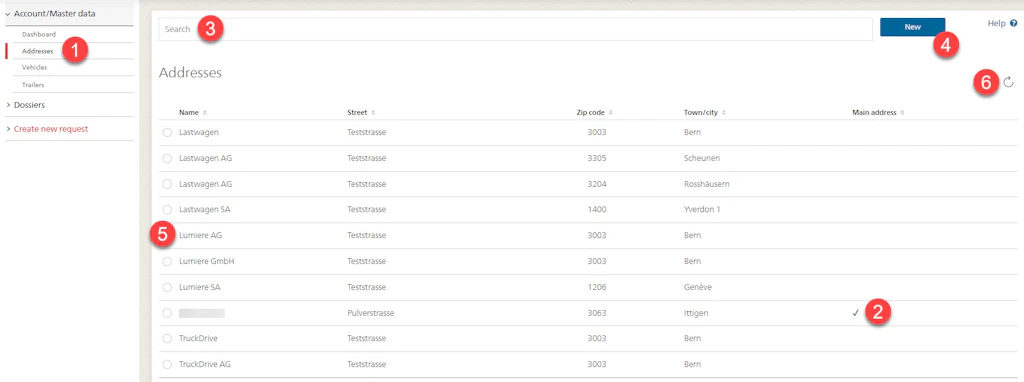
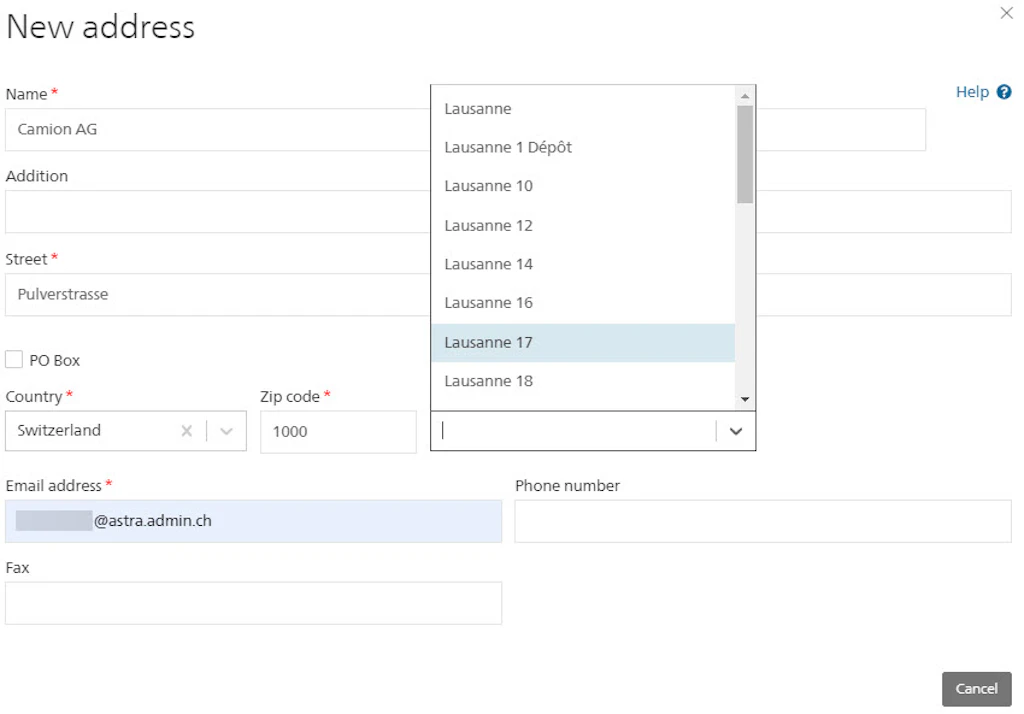
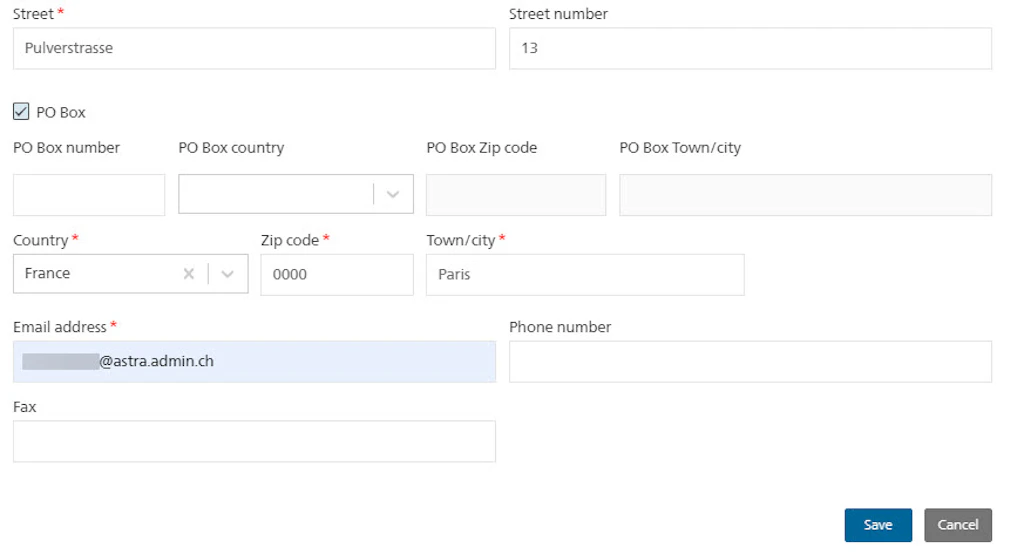
Edit the main address of your group account and create and manage additional addresses for invoice recipients and carriers so as to use them for your applications. Other members of your group account can also manage these addresses and use them for applications.
Important:
You cannot enter addresses in your applications, but can only select addresses from those you have previously entered in your address management function.
If you have already used an address in an application and change it subsequently, this does not change anything in the application. If you have not yet submitted the application, you can select the address again in the “Address data” step of the application once you have adapted it in the address management function, so as to update the data in the application as well.
Some cantons also require an invoicing address in Switzerland. You must also enter this address in the address management function before creating the application.